
Convert Wired Keyboard to Wireless with a DIY Internal Module
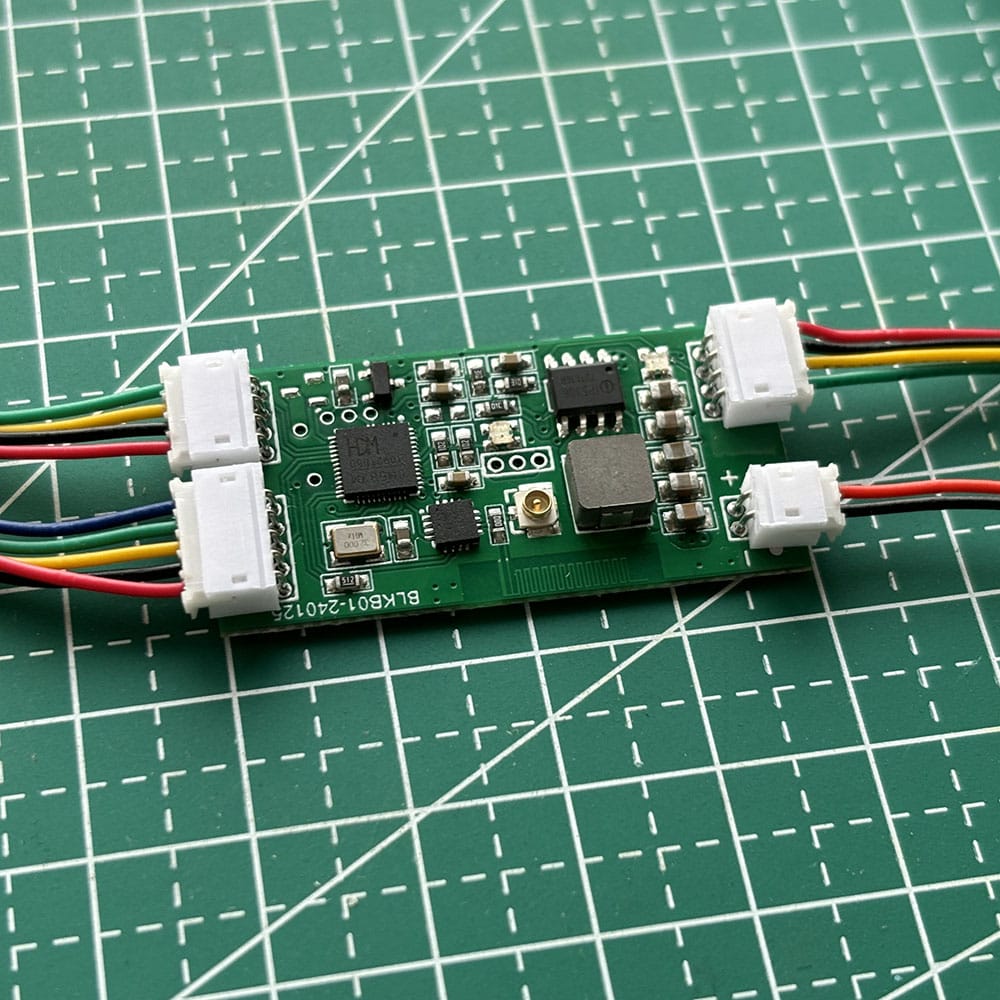
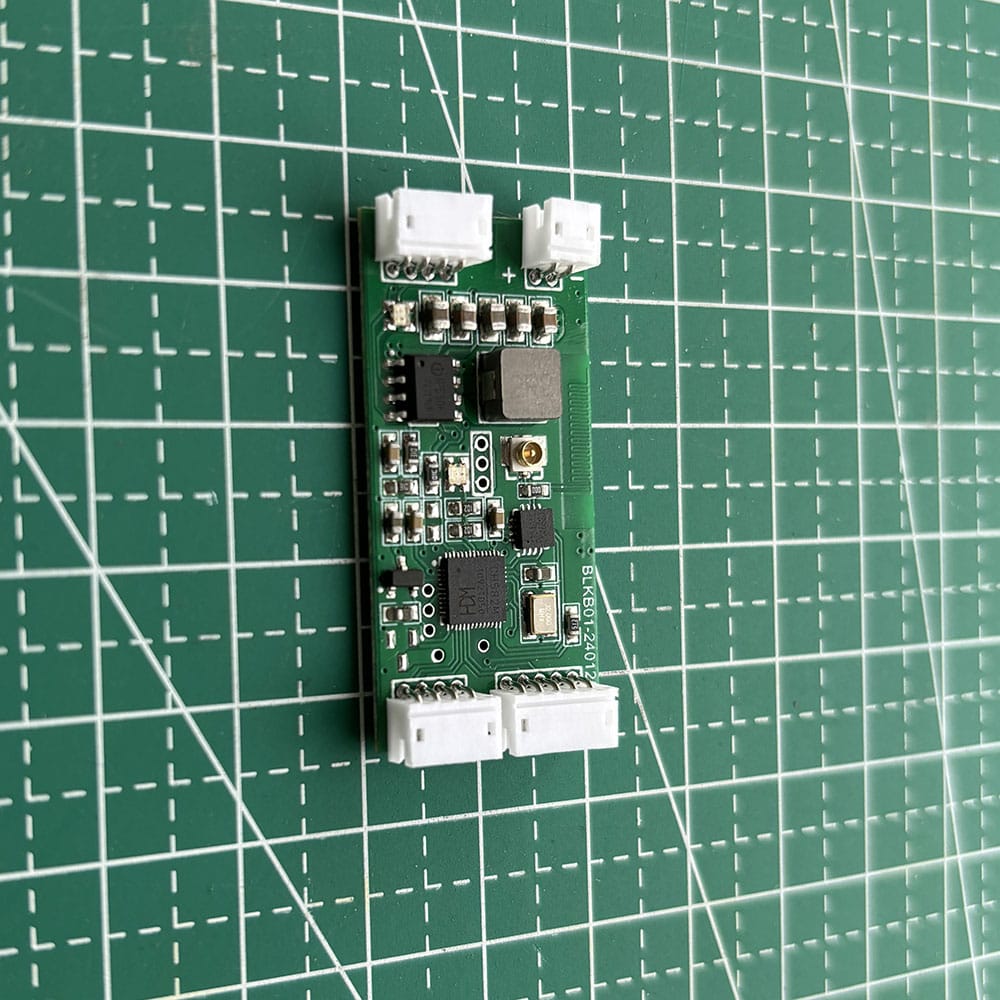
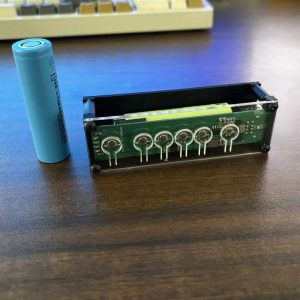
The WBT-V3 is a DIY wireless conversion module designed for users who want to convert a wired keyboard to wireless or convert a wired mouse to wireless through their own installation and customization.
This is not a plug-and-play finished product. WBT-V3 is a semi-finished module for makers, modders, and keyboard DIY users who are willing to open the device, prepare the battery, connect the wiring, and complete the installation themselves.
It is ideal for users who want to install a conversion module inside a keyboard or mouse and build a cleaner, more flexible custom wireless setup.
Why WBT-V3 Is Different
DIY conversion instead of a fixed finished product
WBT-V3 is built for users who want more control over how the module is installed, powered, and integrated into a keyboard or mouse.
Triple-mode support
WBT-V3 supports:
- Bluetooth
- 2.4GHz receiver mode
- Wired mode
This gives more flexibility than many basic conversion boards and makes it suitable for different workspaces and connection preferences.
Better power stability
Many passive USB switch products rely completely on USB bus power and may struggle with high-power devices.
WBT-V3 is battery-powered, which helps provide more stable power for many:
- mechanical keyboards
- RGB keyboards
- performance mice
- custom modified builds
It can support up to approximately 2A working current in suitable setups, while the module itself draws about 0.017A.
No software or LAN required
WBT-V3 does not depend on:
- software sharing tools
- local network access
- remote desktop workflows
- firewall permissions
This makes it useful in offices, labs, testing environments, and other restricted systems.
2.4G Receiver Mode for Faster Switching Workflows
One of the biggest advantages of WBT-V3 is its 2.4G receiver mode.
With multiple paired receivers connected to different computers, one converted keyboard or mouse can switch between up to 8 paired targets depending on the setup.
In this mode, switching is often faster than many traditional USB switch solutions.
Why it can be faster
Many standard USB switches work like physical unplug-and-replug devices. After switching, the computer often needs to detect the keyboard again, which can create a 3–5 second delay.
With WBT-V3 in 2.4G receiver mode, if the receivers are already connected to different computers, the workflow is closer to switching channels than reconnecting a USB device. That means:
- near-instant switching
- no re-detection delay in 2.4G receiver mode
- often faster than many passive USB switches
Important: Only One USB Input
Please read this carefully before ordering:
WBT-V3 has only one USB input port.
That means:
- you can connect one keyboard
- or connect one mouse
- but not both at the same time
So while WBT-V3 can be used in some USB switch for keyboard and mouse or keyboard usb switcher related workflows, it is not a full ready-made dual-device switch and not a traditional KVM.
It is best understood as a single-device DIY conversion module for users building their own solution.
If you want a more finished product that supports keyboard and mouse together, please consider WBT2-V4 instead.
DIY Installation and Wiring Flexibility
WBT-V3 is made for internal installation and custom integration.
You can:
- install the module inside a keyboard
- install it inside a mouse project
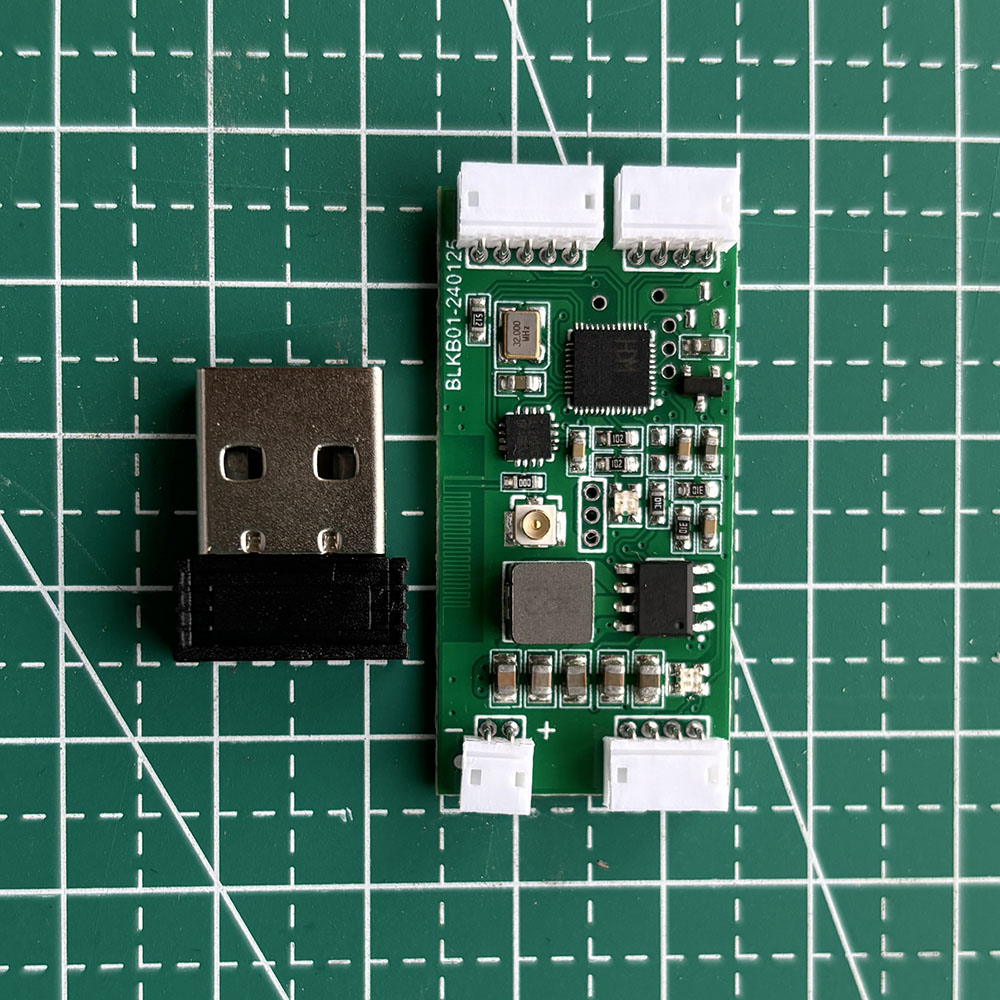
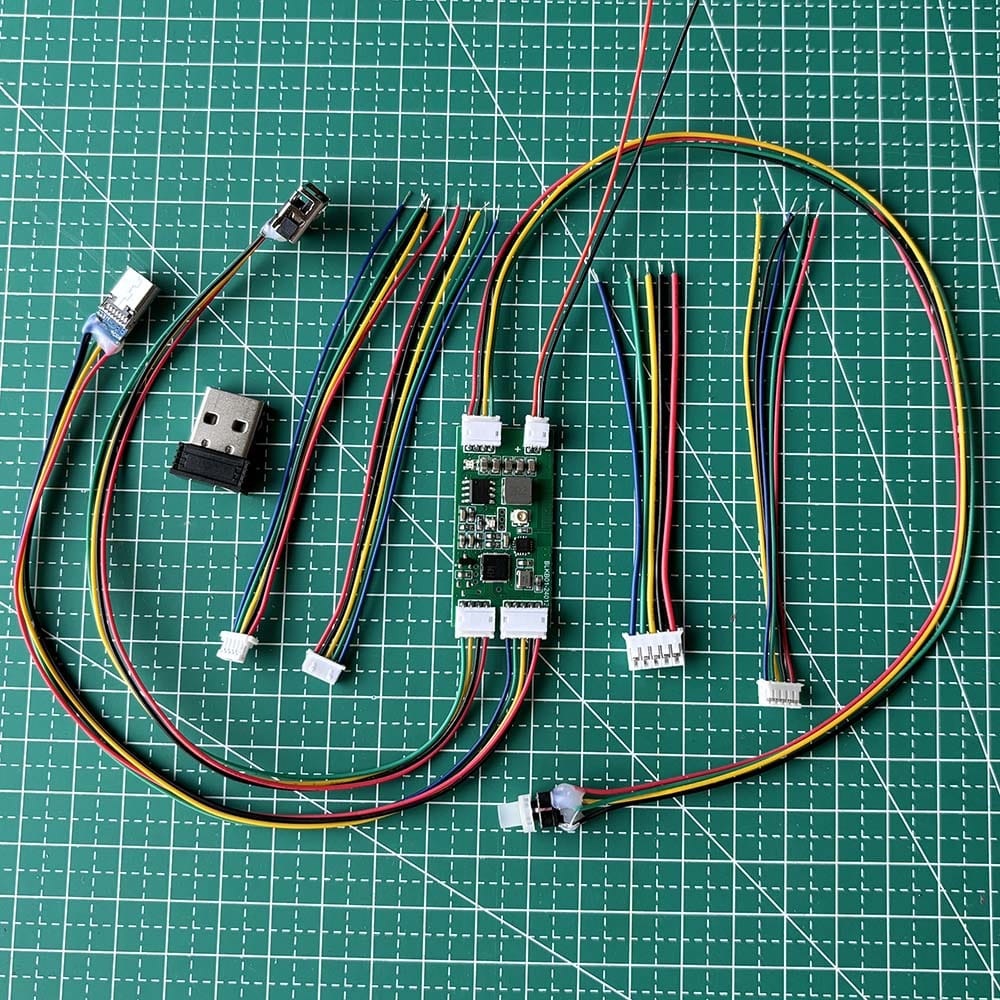
- use the included matching connectors for easier integration
- solder your own wires
- adjust cable length for your own build
- create your own custom mounting solution
The package includes 5 common keyboard motherboard data cable connector types to help with different DIY installations.
Power and Battery Information
WBT-V3 is designed for lithium battery power.
Recommended battery
- 2000mAh or above
- a larger battery usually means longer runtime
Power options
- Type-C wired power
- battery-only use
- battery + charging at the same time
- built-in charging management chip
Current note
The default wiring is generally suitable for about 1A current.
If your build needs up to 2A, thicker wire is recommended for better stability.
For battery selection reference, please see:
About the lithium battery specifications and buying experience for the WBT-V3 module
Hotkeys and Mode Control
Once your keyboard or mouse is connected to the WBT-V3 module, you can use hotkeys to manage paired targets and mode selection.
Device Switching
- Ctrl + Alt + Shift + [1–8]
Switch between paired device slots when multiple paired targets or receivers are configured.
Mode Selection
- Ctrl + Alt + Shift + Q = Bluetooth mode
- Ctrl + Alt + Shift + W = Wired mode
- Ctrl + Alt + Shift + E = 2.4GHz receiver mode
- F1 + hold for 10 seconds = Factory reset
Media Controls
For supported keyboards:
- Right Ctrl + F5 = Player
- F6 / F8 = Previous / Next Track
- F7 = Play / Pause
- F9 / F10 = Volume – / Volume +
- F11 = Mute
- F12 = Calculator
What’s in the Box
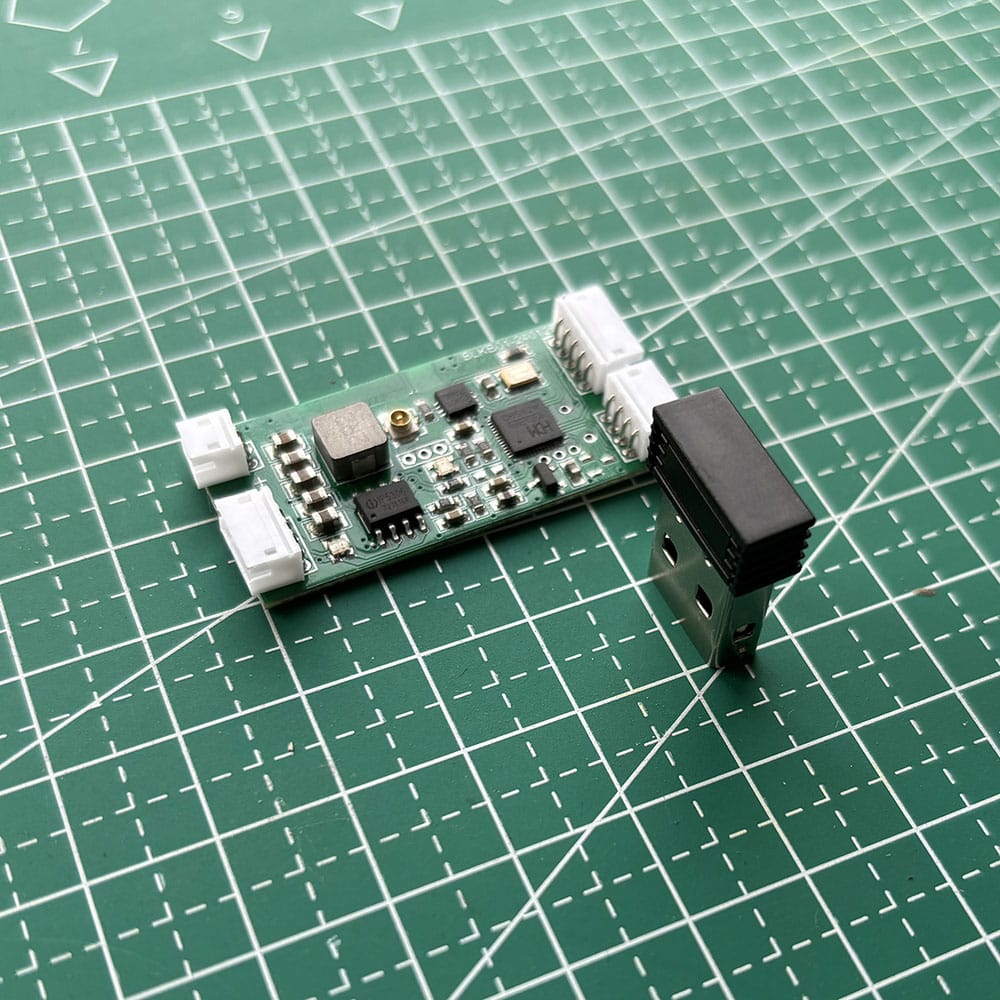
- 1 × WBT-V3 module
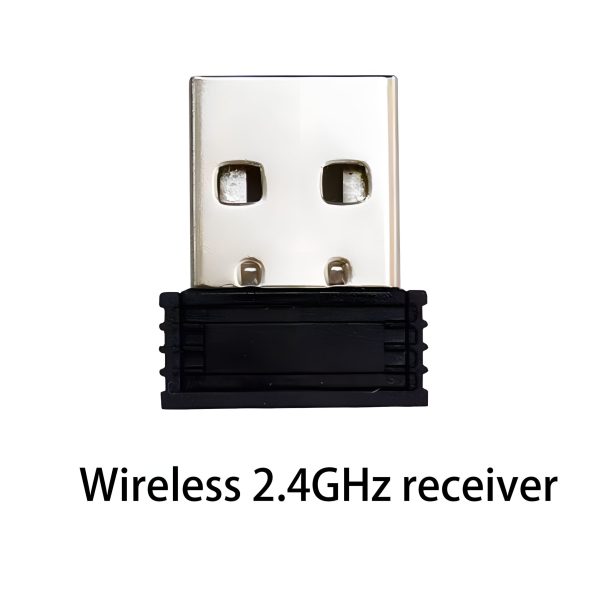
- 1 × 2.4GHz receiver
- matching wiring accessories
- 5 common keyboard motherboard connector types
If you need multiple receivers for multi-computer workflows, additional receivers can be purchased separately.
Compatibility Notes
WBT-V3 works with many standard USB-HID keyboards and mice, but compatibility cannot be guaranteed for every model.
Please note:
- some devices use proprietary protocols
- some functions rely on custom keycodes
- some keyboards or mice may only be partially compatible
If you are unsure about your device, please contact us before ordering.
Special note for Cherry G80-3000 users
Some versions may require special firmware. Please contact us before purchase.
Best For
WBT-V3 is best for users who want:
- a DIY wireless keyboard conversion module
- to convert wired keyboard to wireless
- to convert wired mouse to wireless
- internal installation and customization
- Bluetooth / 2.4G / wired flexibility
- stable battery-powered operation
- a flexible single-device switching workflow without software or LAN
Need Keyboard + Mouse Together?
If you want:
- keyboard and mouse at the same time
- a more complete ready-to-use experience
- less DIY work
please consider WBT2-V4 instead:
If you need a ready-to-use version for both keyboard and mouse, please check the WBT2-V4.
Multi-Module Setup Guide
If you need multiple WBT-V3 or WBT2-V4 units to work together without interference, please see:
How to set up multiple WBT-V3 and WBT2-V4 to work simultaneously without interfering with each other
FAQ
Is WBT-V3 a plug-and-play finished product?
No. WBT-V3 is a DIY semi-finished conversion module and requires battery preparation, wiring, and installation by the user.
Can I connect both a keyboard and mouse at the same time?
No. WBT-V3 has only one USB input, so it supports one keyboard or one mouse at a time.
Can WBT-V3 convert a wired keyboard to wireless?
Yes. This is one of its main use cases.
Can WBT-V3 convert a wired mouse to wireless?
Yes. It can also be used in DIY wired mouse to wireless conversion projects.
Does WBT-V3 support Bluetooth?
Yes. It supports Bluetooth, 2.4G receiver mode, and wired mode.
Does WBT-V3 require software or LAN?
No. It works without software sharing tools or local network dependency.
Why is 2.4G receiver mode important?
It can provide a faster switching workflow in setups where multiple receivers are already connected to different computers.
Is WBT-V3 a standard keyboard and mouse switch?
No. It can be used in some related single-device workflows, but it is not a full standard dual-device switch.
What battery capacity is recommended?
A 2000mAh or larger lithium battery is recommended.
What is included in the package?
The package includes:
- 1 × WBT-V3 module
- 1 × 2.4GHz receiver
- matching wiring accessories
- 5 common keyboard motherboard connector types