Introduction
WBT2-V4 is a ready-to-use keyboard and mouse switch designed for people who want to use one keyboard and mouse across multiple computers without software, without LAN dependency, and without the cable clutter of many traditional switching setups.
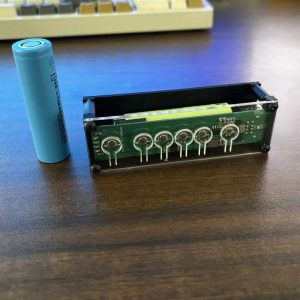
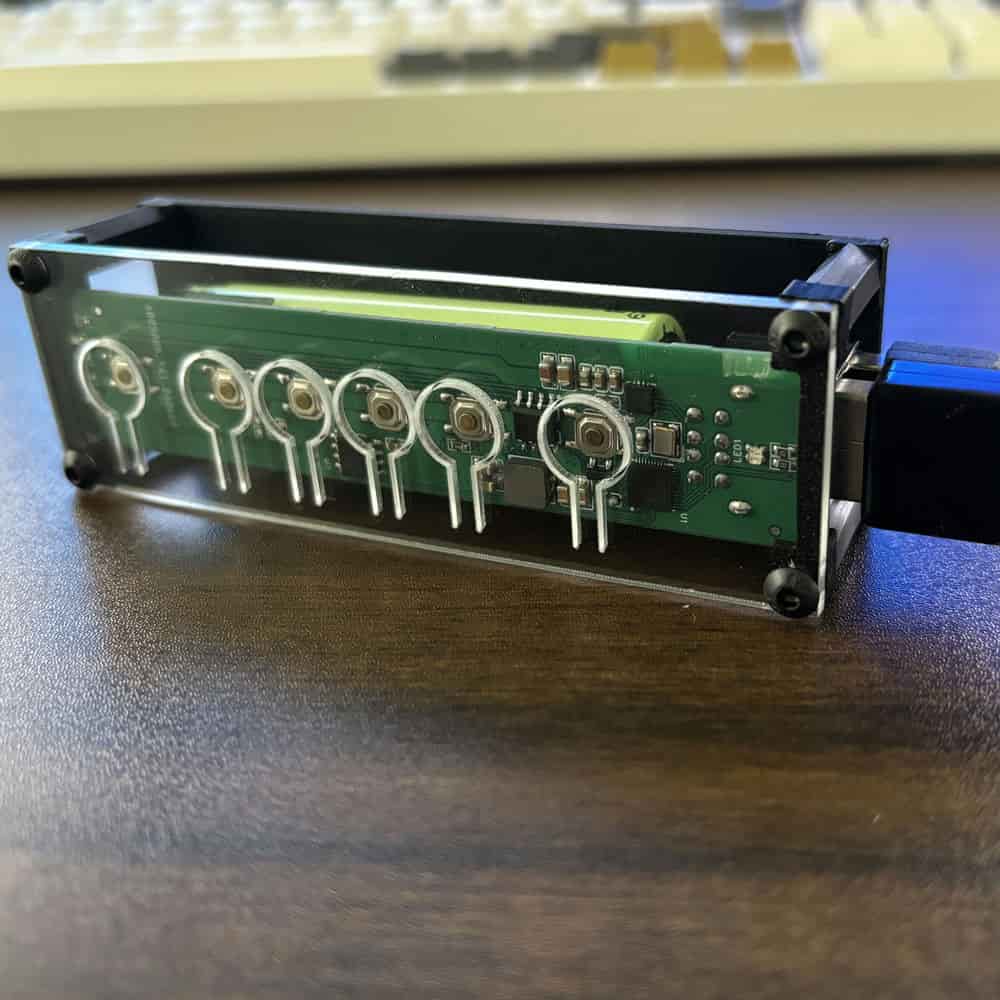
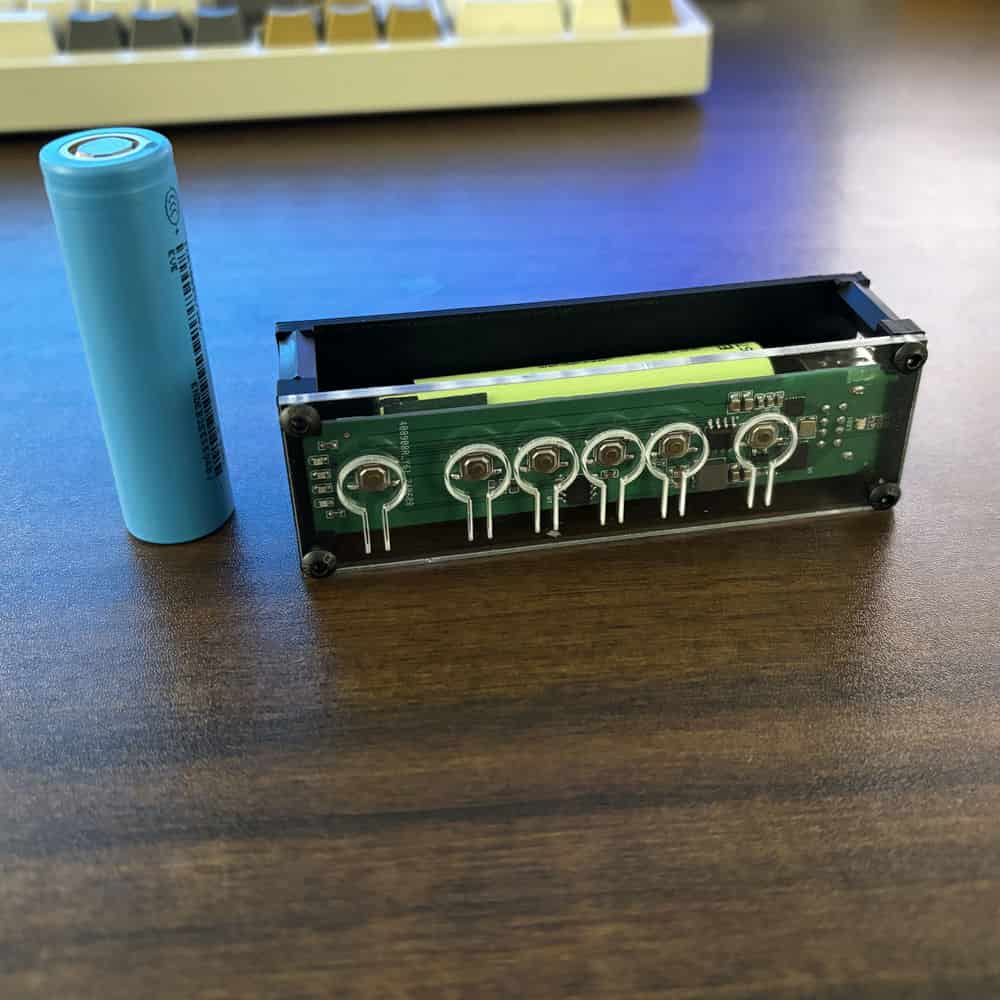
Unlike DIY conversion modules, WBT2-V4 is a finished product with a built-in battery. You do not need to open your keyboard, modify internal wiring, or prepare extra power components. Just connect your keyboard and mouse to the module and start switching between computers.
Key Benefits
1. Ready to use, no modification needed
WBT2-V4 is built for users who want a simple keyboard and mouse switching solution. No disassembly, no soldering, no internal installation, and no extra charging hardware required.
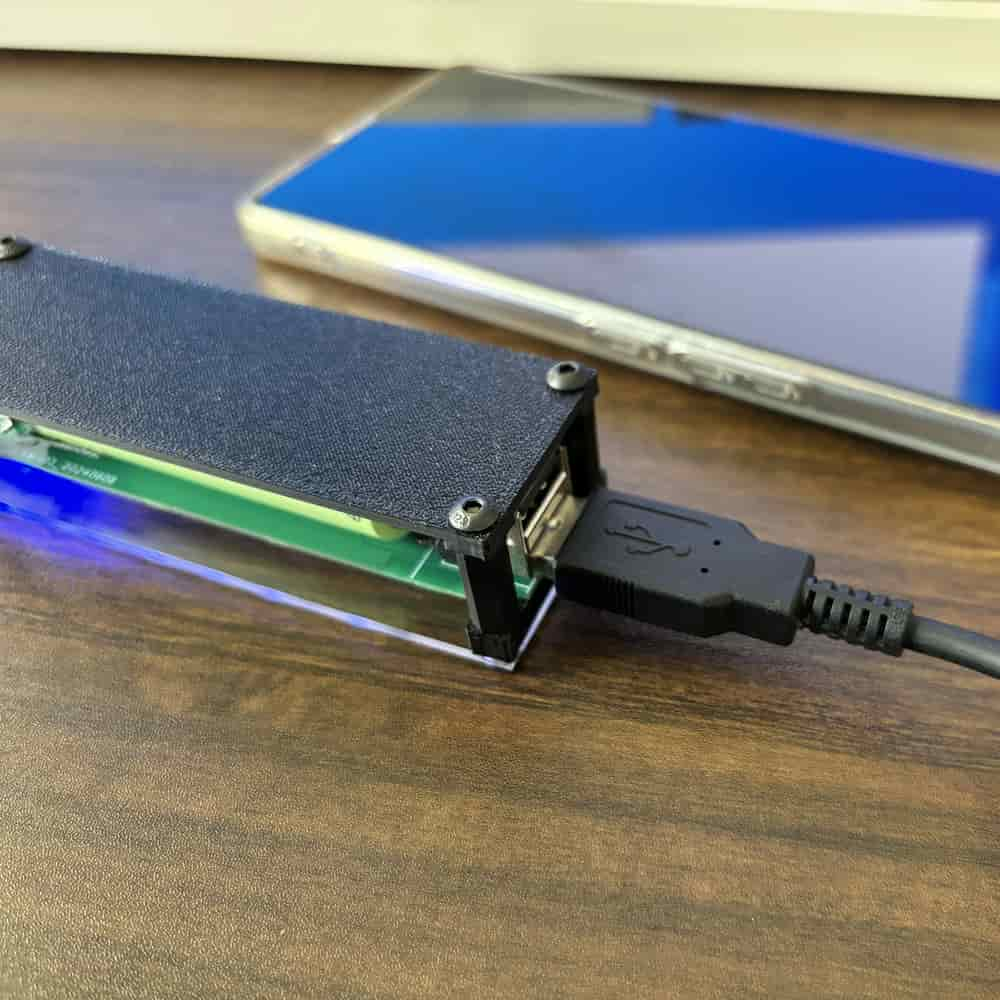
2. Dual USB inputs for keyboard and mouse
This module supports two USB input ports, so you can connect a keyboard and a mouse at the same time. That makes it a more practical solution for real multi-computer workflows than single-input modules.
3. Near-instant switching in 2.4G receiver mode
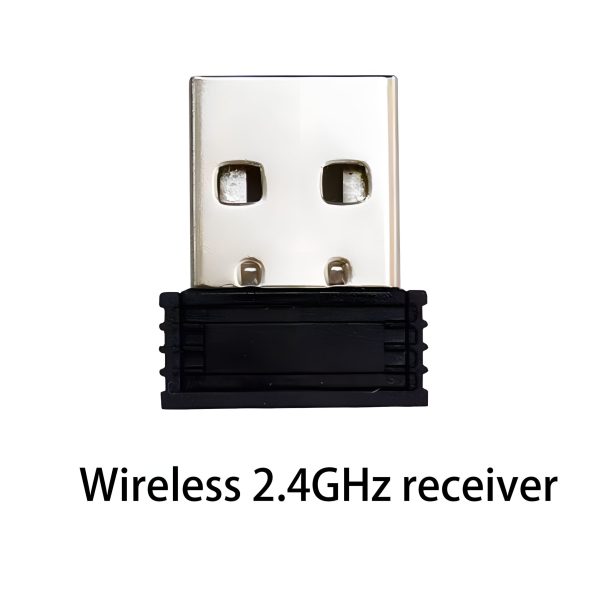
In 2.4G receiver mode, WBT2-V4 supports multiple receivers for multiple computers. Since each receiver can remain connected to its target computer, switching is channel-based rather than a full USB re-detection process. In real use, this can feel much faster than many traditional USB switches.
4. No software required, no LAN required
WBT2-V4 does not rely on software sharing tools, drivers on each computer, or the same local network. This makes it especially useful in environments where software installation is restricted or network-based sharing is not ideal.
5. A focused alternative to traditional USB switches or some KVM setups
If your main goal is keyboard and mouse control across multiple computers, WBT2-V4 offers a focused input-only solution. Let your monitor handle video input switching, while WBT2-V4 handles keyboard and mouse switching. This can help reduce cost, avoid unnecessary video switching features, and keep your setup simpler.
6. Cleaner desk setup
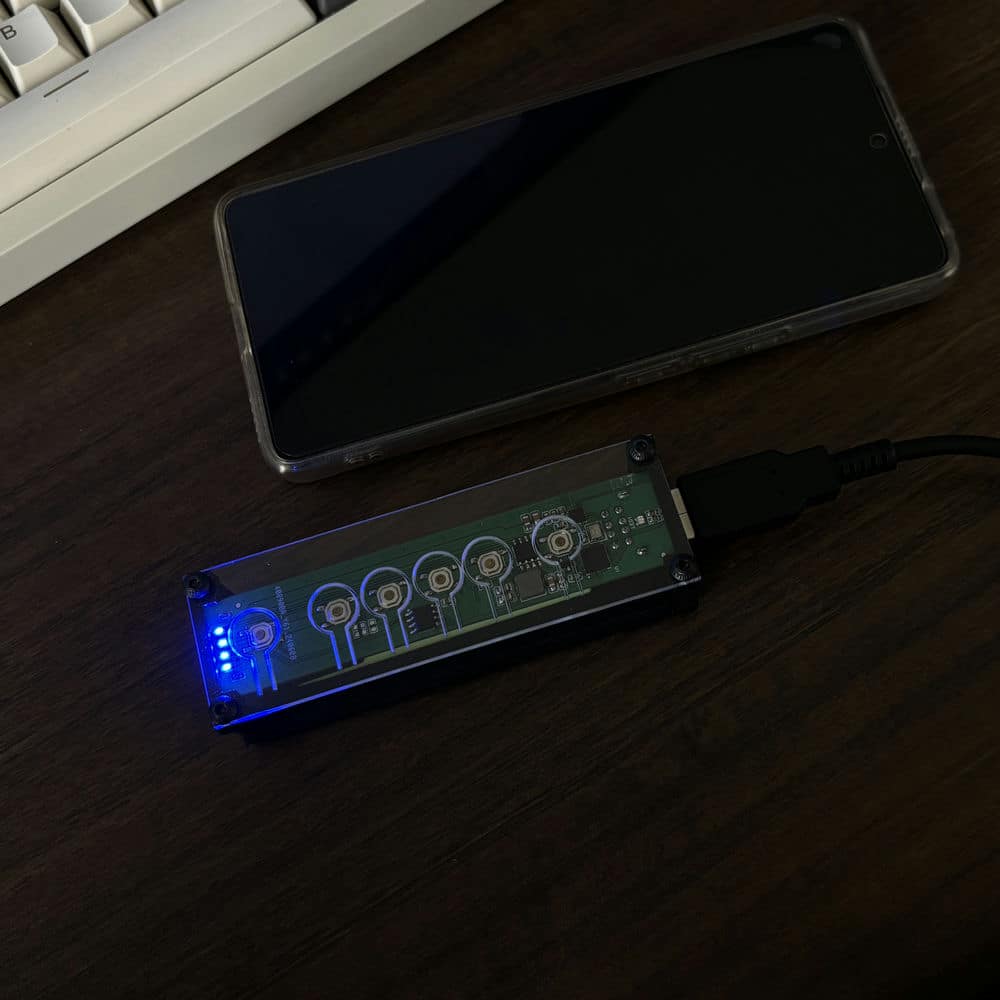
Used with wireless peripherals, WBT2-V4 can help reduce cable clutter and create a cleaner multi-computer workspace. It is a practical option for users who want a more minimalist desk setup.
Main Features
– Ready-to-use design with built-in battery
– Two USB input ports for keyboard and mouse
– Supports switching between up to 8 devices
– 2.4G receiver mode supports multi-receiver, multi-computer workflows
– Bluetooth supported
– No software required
– No local network required
– Shortcut key switching supported
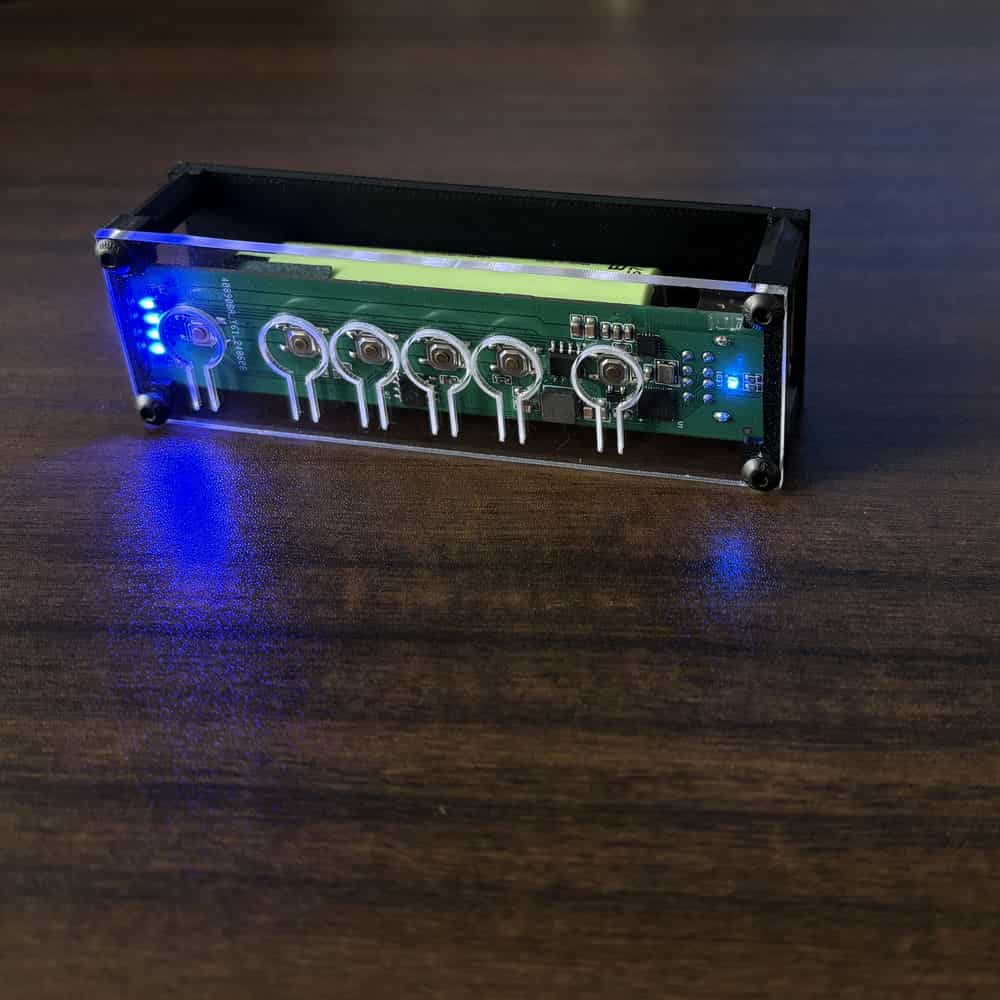
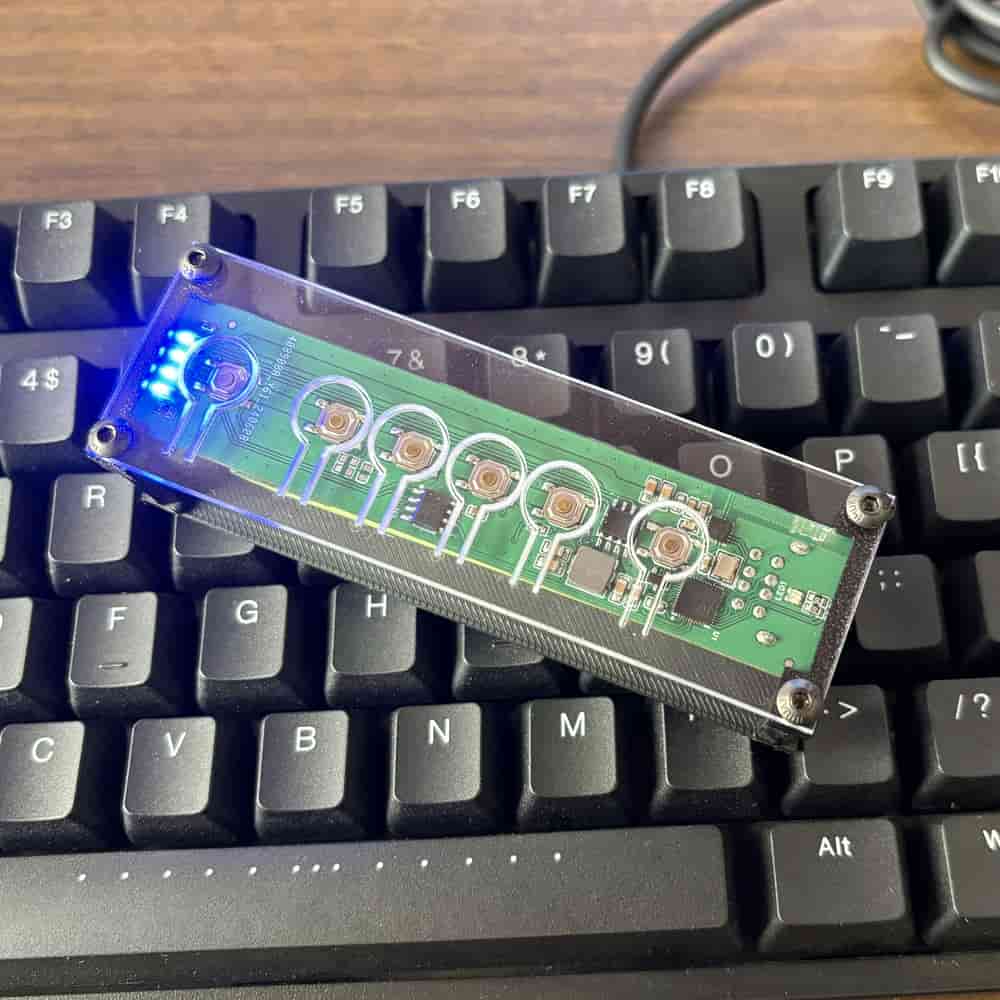
– 4 physical quick-switch buttons on the device
– Charging control circuit built in
– Battery capacity upgraded to 3400mAh
Compatibility Notes
WBT2-V4 is designed for standard USB-HID keyboards and mice, including many common custom keyboards. However, some keyboards and mice use special communication protocols, power behavior, or non-standard implementations. Because of this, compatibility cannot be guaranteed for every device.
If your keyboard or mouse uses a USB Type-C connector, please leave a note when placing the order. We can include a Type-C to USB-A adapter. If no note is provided, the adapter may not be included by default.
Cherry G80-3000 requires special firmware. Please contact us before purchase if you plan to use that model.
Switching and Control
WBT2-V4 supports shortcut key switching and physical button switching. In 2.4G receiver mode and Bluetooth mode, you can switch between up to 8 devices. This gives you a flexible and reliable way to move between computers without relying on software-based cursor sharing.
Default shortcut keys:
Ctrl + Alt + Shift + 1 to switch to device 1
Ctrl + Alt + Shift + 2 to switch to device 2
Ctrl + Alt + Shift + 3 to switch to device 3
… up to device 8
Mode switching:
Ctrl + Alt + Shift + Q = Bluetooth mode
Ctrl + Alt + Shift + E = 2.4G receiver mode
Ctrl + Alt + Shift + F1 = Factory reset (hold for 10 seconds)
Power and Stability
The built-in lithium battery provides stable power for the module and connected devices. Compared with some passive USB switches, this design is better suited for many mechanical keyboards and higher-power mice. However, actual performance still depends on the specific power requirements and protocol behavior of the connected devices.
Package Notes
The default package includes 1 x 2.4G receiver. If you need additional receivers for more computers, please purchase extra receivers separately.
Technical Notes
WBT2-V4 supports shortcut-key switching in both Bluetooth mode and 2.4G receiver mode. Some settings can be adjusted through the Windows configuration tool, including Bluetooth name, shortcut combinations, multimedia key customization, sleep timing, receiver number, and battery display.
FAQ
Q: What is WBT2-V4 mainly used for?
A: WBT2-V4 is mainly used as a keyboard and mouse switch for multiple computers. It lets you use one keyboard and mouse across several devices without relying on software sharing tools or the same local network.
Q: Do I need to open my keyboard or modify anything inside?
A: No. WBT2-V4 is a ready-to-use product with a built-in battery. You do not need to open your keyboard, rewire anything, or install internal parts.
Q: Can I connect both a keyboard and a mouse at the same time?
A: Yes. WBT2-V4 has dual USB input ports, so it supports connecting one keyboard and one mouse at the same time.
Q: Does it require software installation?
A: No. WBT2-V4 does not require software installation for normal switching use. This is one of its key advantages over software-based keyboard and mouse sharing solutions.
Q: Does it require all computers to be on the same local network?
A: No. WBT2-V4 does not depend on LAN-based communication, so your computers do not need to be on the same network.
Q: Is switching fast?
A: In 2.4G receiver mode, switching can feel near-instant because each receiver can stay connected to its computer. This avoids the full re-detection delay that is common with many traditional USB switches. Actual experience may vary depending on the connected devices and setup.
Q: Does WBT2-V4 support video switching like a full KVM?
A: No. WBT2-V4 focuses on keyboard and mouse input switching only. It is best viewed as an input-focused alternative for users who do not need video switching built into the same device.
Q: Is it compatible with every keyboard and mouse?
A: Not necessarily. WBT2-V4 supports many standard USB-HID keyboards and mice, but some devices use special protocols or unusual power behavior. Because of that, compatibility with every keyboard or mouse cannot be guaranteed.
Q: How many computers can it switch between?
A: WBT2-V4 supports switching between up to 8 devices.
Q: Does the package include multiple 2.4G receivers?
A: The default package includes 1 receiver. If you need more receivers for more computers, please purchase additional receivers separately.